
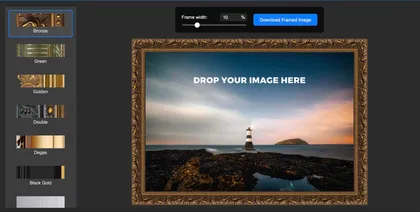
How to Frame Your Art for Free Online
Why Frame Your Artwork? Framing is an essential part of displaying and preserving artwork. A well-chosen frame enhances the composition, draws attention to key details, and provides a polished presentation. Traditionally, framing required purchasing physical frames or...
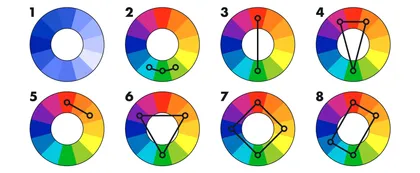
How to use a color wheel
We talked about color theory basics in a recent article. Today, let’s explore how we can use the color wheel in the subject of our interest—picture framing. Johannes Itten’s 12-part color wheel is considered the most popular in the world, widely used in painting,...
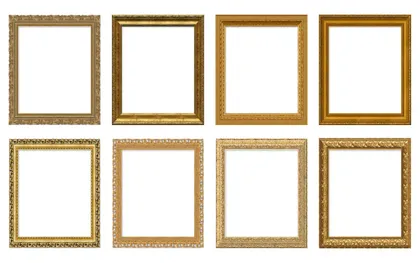
Gold frames in classic paintings and modern art
Since the onset of a picture frame history as we know it, frames have always been gilded. The classic golden color of a frame is mainly used due to its symbolism—wealth and luxury. But frames were also gilded for other reasons. Let’s explore the popularity of gold...
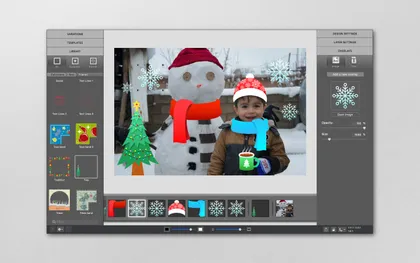
How to use digital stickers in ImageFramer
In case you missed it, we launched an Etsy shop where you can purchase some of your favorite Apparent Software images! Each file is a high-quality transparent PNG so you can use them in your digital planners and in ImageFramer! In this tutorial, we will use one of our...

How to colorize frames in ImageFramer
ImageFramer is a versatile photo editor that comes with a bundle of features that are perfect for customizing frames and borders. In this blog post, we will cover the Colorize option that can turn a basic frame into color popping perfection! Open ImageFramer and add a...
History of the mat
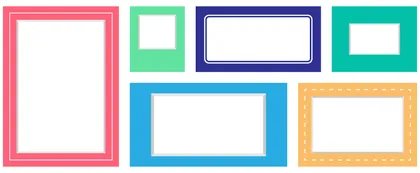
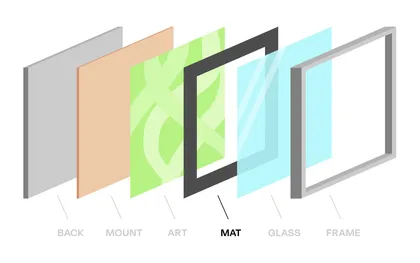
The mat (“mount” in British English, or passé-partout in French) is a sheet of paper that resides between the image and the frame, creating a field of light or color around the picture. A mat provides multiple functions, both protective and aesthetic. Here, we’ll...
Creative ideas on what to do with your wedding photos
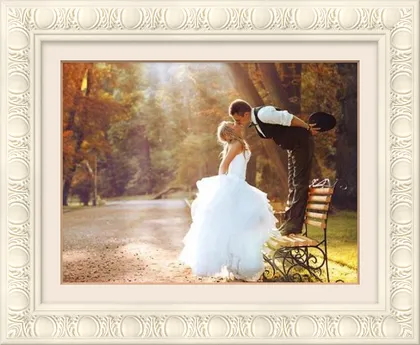
Photography is an essential element of every wedding celebration. Pictures taken by a professional photographer are extremely important because they capture the memories of the most beautiful event in every couple’s life. Since your wedding is one of the most important...
How to Make Your Artwork Pop With a Digital Mat
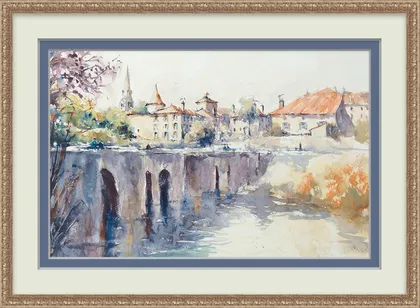
A mat can transform an otherwise ordinary piece of artwork, enhancing or even radically changing the impression it makes. To make your favourite digital art stand out, there are several things to pay attention to: Colour, width, layers—and, of course, the frame itself....
5 Tips for Perfect Photo Framing
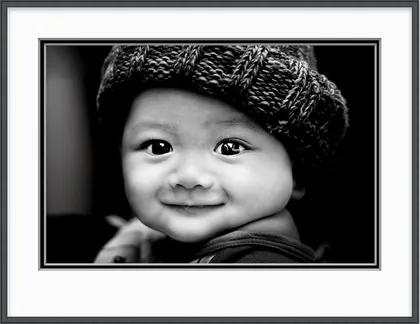
Whether you’re doing a mock-up for a customer who wants one of your fine art photos framed or want to create a polished finish for an online gallery, adding frames to your digital photos is the classic final touch on your hard work. But how do you frame a photo in a...

How to make a custom border in ImageFramer
Today we're going to provide you with an ImageFramer tutorial that shows you how to create a border from scratch. We've created the exact same design using Photoshop in How to add a border in Photoshop but we're going to make it even easier with ImageFramer. Launch...
ImageFramer v Adobe Photoshop: digital framing apps compared
ImageFramer and Adobe® Photoshop® are two different apps that can be used to achieve similar results. ImageFramer can add a frame to any photo with the click of a button and Photoshop provides the tools to create the frame from scratch. There is no question about which...

Make a custom frame with iPad drawing apps
ImageFramer is a fantastic app that allows you to add frames, mats, and borders to your art with the click of a button. This macOS app offers more than 1,000 framing assets so the combination of looks is nearly endless. Although there is no shortage of frames, the...
Color theory basics
Color is experienced not only visually, but also psychologically and aesthetically. Therefore, color has always been studied as a complex phenomenon. Physicists examine light waves, measure and classify colors; chemists create new pigments for paints; physiologists...

How to make greeting cards with the Card Creator Pack
The new Card Creator Pack is a huge addition to ImageFramer. This new pack lets you mix and match over 100 original artist-created design elements to create custom greeting cards for every occasion. Christmas cards? ✅ Birthday cards? ✅ Save-the-dates? ✅ Fun, playful...
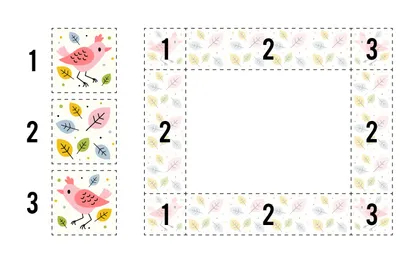
How to create corner frames with ImageFramer
ImageFramer has a fantastic Frame Editor feature that lets you create custom frames! The Frame Editor has four main types of frames: Color mat, Moulding with corners, Full frames, and moulding. In this blog post, you will learn how to create a Moulding with corners...
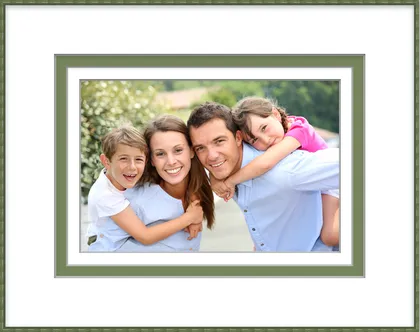
How To Choose A Perfect Mat For Your Digital Photo
Every photograph deserves to be properly presented. An ordinary photo, surrounded by a mat in an elegant frame, creates a totally different perception than the image by itself. Most people would agree that a frame is an essential enhancement to a classical oil...
How to Frame Your Digital Photos
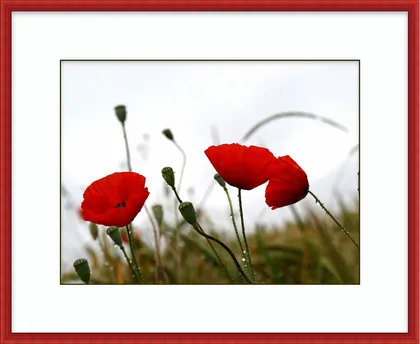
“Memory is the only paradise out of which we cannot be driven away.” We use photos to capture the world around us, from people and events to the small details other people miss completely. From the earliest days of photography, a frame and photo mat were used to...
How a Great Frame Can Help You Sell More Art
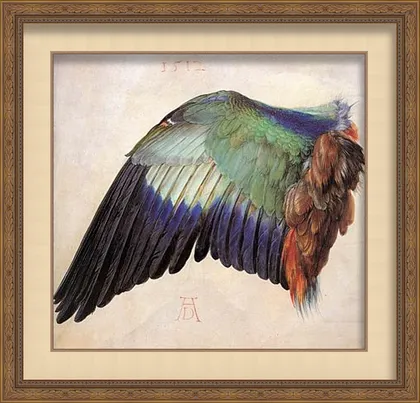
Your customers are always looking for great art and great service. What they aren’t short of is options. You need a way to help your art stand out. How artwork is framed is important to both the buyer and the art itself. A piece of art isn’t complete until it has a...
How to add a border in Photoshop
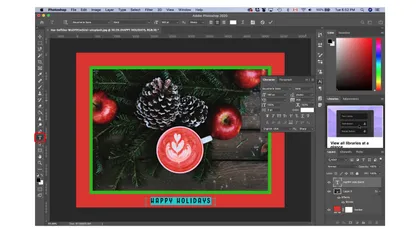
If you want to add borders or mats to any photo, you can do so with Photoshop. Although ImageFramer has hundreds of designs available at your fingertips, we are going to provide you with a tutorial that shows you how to create a border in Photoshop. Launch Photoshop...
How to choose the perfect color scheme for framing your art
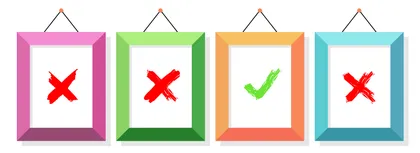
When you’re trying to learn more about framing and matting, choosing the right color combination is a critical decision. The first impression from a framed artwork is primarily based on its color composition. The colors are stored in our memory much longer than the...
Why you should mat photographs and artwork
The mat is a dense colored cardboard (or other similar material) that frames a picture, photograph, or other artwork, creating a field of light or color around the image. We have already been talking about the History Of The Mat, but why is the mat so imperative for...
How to create striped frames in ImageFramer
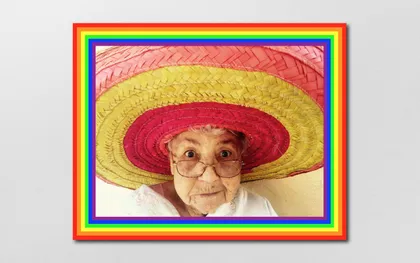
ImageFramer has a massive library of frames and combining them leads to endless possibilities! One example that is easy to achieve is the striped frame. In this blog post, we will create colorful striped frames using mats in ImageFramer. Open ImageFramer and navigate...
Great painters and their frames
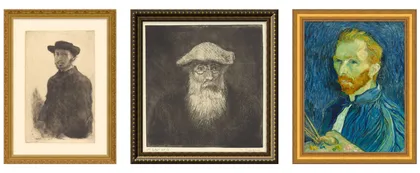
Self-portraits of Edgar Degas, Camille Pissarro, and Vincent Van Gogh framed with ImageFramer We seldom think about how the frame affects our impression of an artwork. Most of the canvases in museums and galleries are framed, but on the Internet and in art catalogs,...

Picture Framing 101: ABCs of Art
Looking to quickly come up to speed on some frequently used picture framing vocabulary? Apparent Software, makers of ImageFramer, are pleased to bring you this Framing and Art Alphabet, a handy glossary for appreciating art and making or enhancing your own. A Artwork-...
4 Frame Ideas to Inspire Your Little Artist
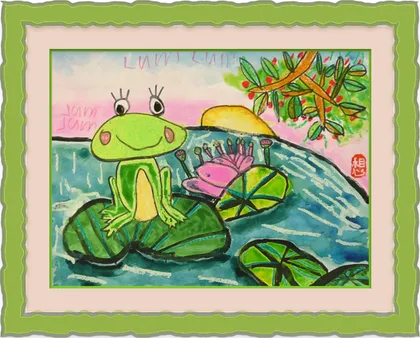
Every child is an artist. The problem is how to remain an artist once he grows up. (Pablo Picasso) If you have kids in your life, chances are at least one of them is a budding artist. Kids are constantly looking for ways to change the world around them—hopefully using...
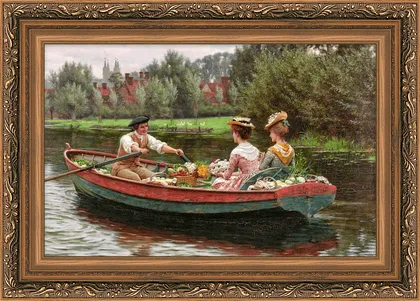
What’s Your Picture Frame Style? A Look at the History of Framing
For most of history, frames were practically an afterthought to everyone but artists—a backdrop to greater paintings and drawings. Artwork was typically given a new frame whenever it changed hands or if the owners did some redecorating and wanted a new frame to match....
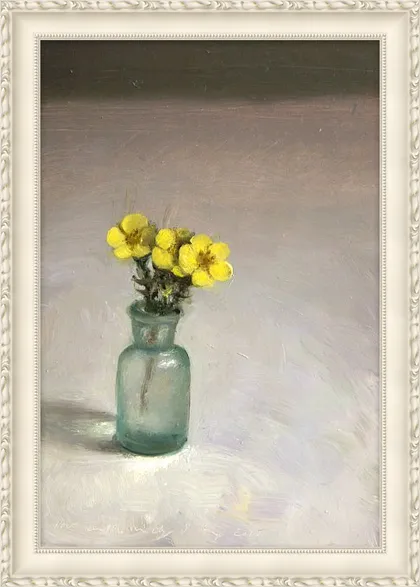
To Frame Or Not To Frame Art?
“Art consists of limitation. The most beautiful part of every picture is the frame.” G.K. Chesterton. Many private owners and art galleries exhibit their paintings without frames, while others cannot imagine their artwork without proper framing. Should you frame your...