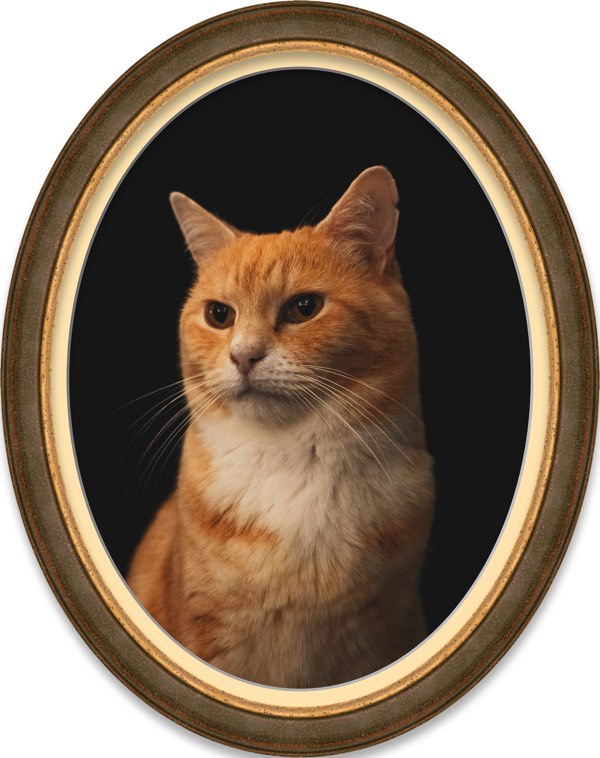
We’re excited to introduce ImageFramer 4.9, and this one’s a big deal. You can now create beautiful oval frames – a feature many of you have been asking about for years.
Any design that uses border-type frames and mats (the ones where width can be changed) can now be an oval design: check the “Oval Design” option in Design Settings panel.
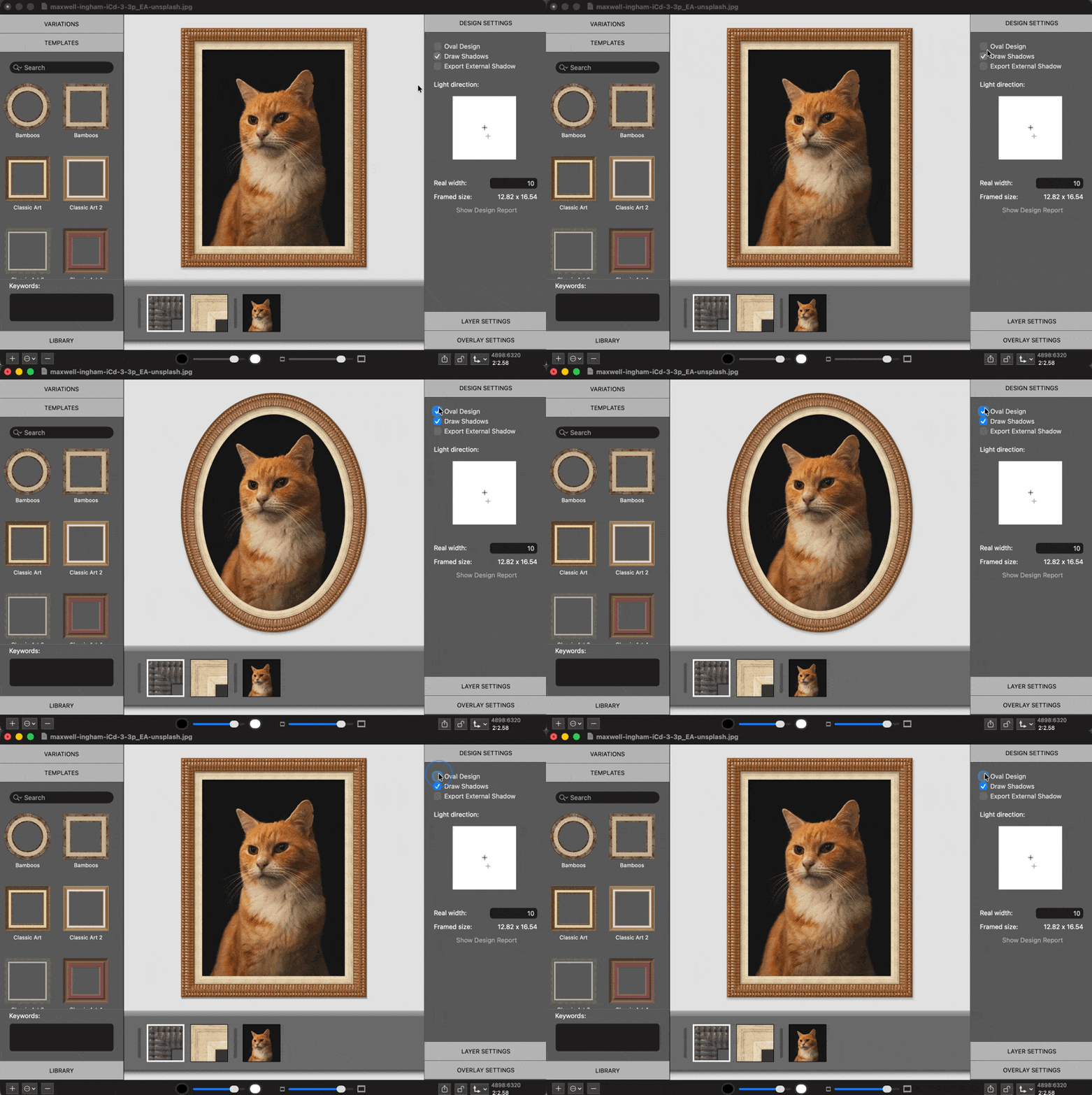
As with rectangular frames, you can change the widths scroll, colours, opacity. You click on the oval frames in the preview to select them, or crop the image layer to adapt the oval frame to the cropped image, to position the subject in a better way inside the frame. You can create templates that use oval designs and apply them from the Templates panel or from files.
We can’t wait to hear what you think about this and about all the ways you use this new capability. We know it’s not for everyone but some art, like vintage-style photos, or pet portraits could benefit from this look. Watch the video for a short workflow example and click on the photos below for some examples.
A few examples of oval designs
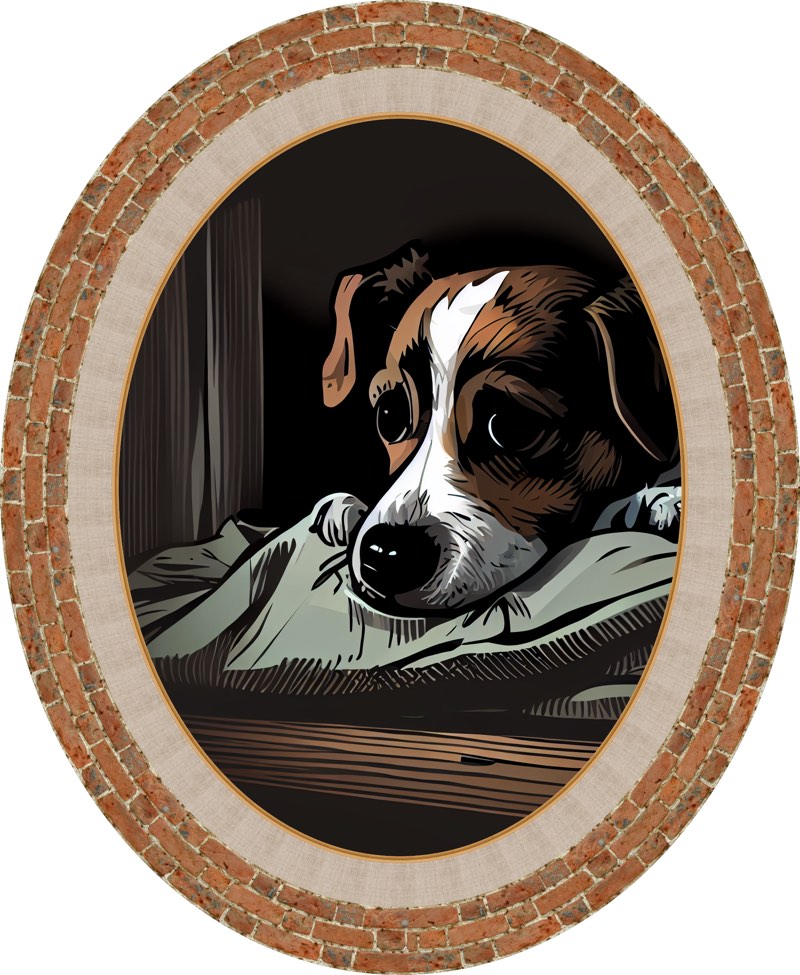
oval-pup
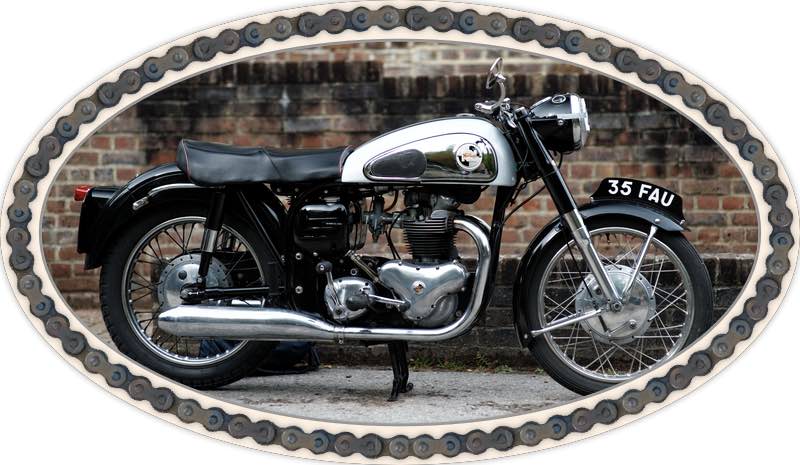
Oval motorcycle