Frame width:
%

ImageFramer Web puts a real frame around your photo right in your browser. No account, no watermark, and your photo never leaves your device.
Yes. Framing and downloading are free, with no account and no watermark on the result.
No. All the framing happens in your browser, on your own device. Your photo is never sent to a server, so nothing is stored or shared.
You can upload JPG, PNG, and other common image formats. The framed image downloads as a PNG.
No. The frame is added around your photo at its original resolution, so the image inside keeps its full detail.
Yes. The slider sets the frame width as a percentage of your image, from a thin edge up to a wide border.
Yes. It runs in any modern browser, on both desktop and mobile.
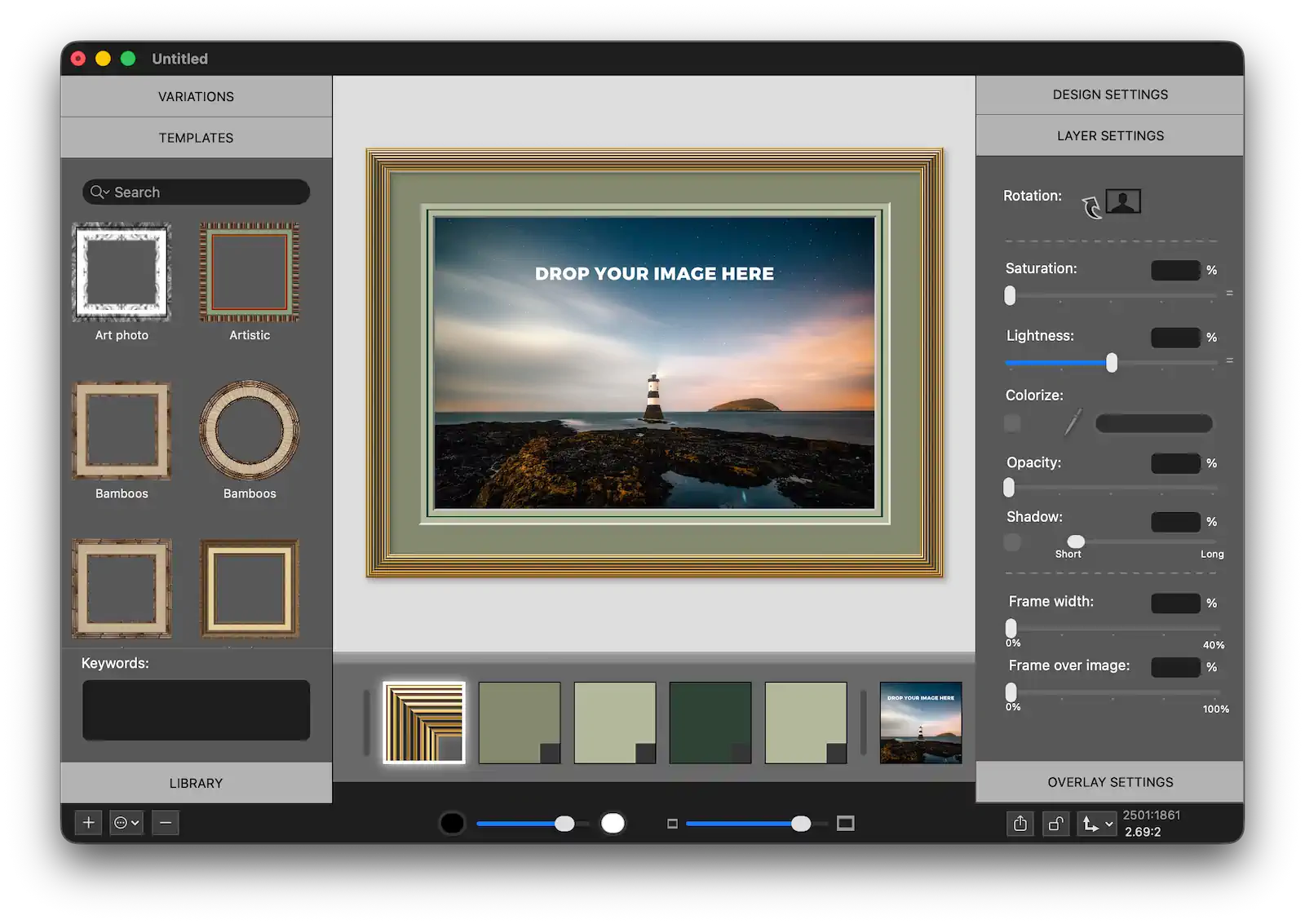
The web tool is a fast way to add one frame and download. ImageFramer for Mac adds over 1,000 frames, mats, overlays, templates, and print-quality export.
This web tool covers the basics. ImageFramer for Mac gives you over 1,000 frames, stacked mats, text and image overlays, and reusable templates, plus high-resolution export for print. Same framing approach, with a lot more room to design.
ImageFramer 4: Your art. Showcased.
Try ImageFramer for Mac